Video Editing Software (NLEs)
The non-linear editor, or NLE, is the heart of any video pipeline. Several platforms dominate professional work, each with distinct strengths.
The Industry Standards
Adobe Premiere Pro is widely used across broadcast, agency, and freelance work, valued for its deep integration with the rest of the Adobe ecosystem and its broad format support. DaVinci Resolve has risen rapidly, combining a full-featured editor with the most respected color-grading tools in the industry — and a capable free version that has made it a default choice for many independent creators. Final Cut Pro remains a favorite among Mac-based editors for its speed and its one-time purchase model.
Choosing an NLE
The right NLE depends less on which is objectively "best" and more on the team's platform, budget model, and surrounding workflow. A studio standardized on Adobe tools benefits from Premiere's integration; a colorist-led shop gravitates to Resolve; a Mac-centric solo editor may find Final Cut the most efficient. All of the leading options can produce professional results.
Audio Production Software (DAWs)
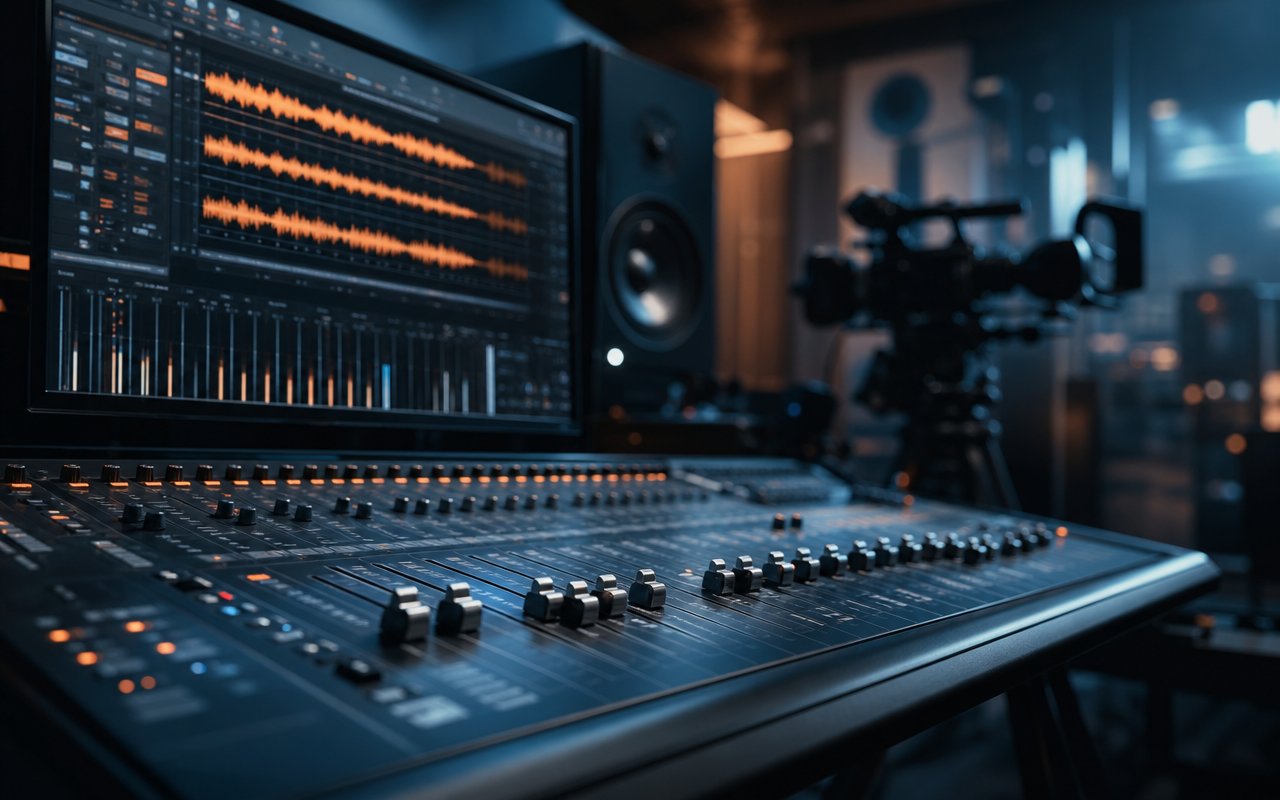
Audio is half of every video, and a dedicated digital audio workstation handles tasks that an NLE's built-in audio tools cannot.
Leading DAWs
Pro Tools is the long-standing standard in professional audio post and music recording, particularly where studios need to exchange sessions reliably. Logic Pro is a strong, affordable choice on Mac for music and post work alike. Reaper has earned a devoted following for being lightweight, deeply customizable, and inexpensive, with a fully functional evaluation model that lowers the barrier to entry.
When You Need a DAW
For simple projects, the audio tools inside an NLE suffice. But for layered sound design, music production, voice-over recording and processing, or precise mixing, a dedicated DAW gives control that editing-suite audio panels cannot match.
Asset Management and Supporting Tools
As projects accumulate, finding the right file becomes its own challenge. Media asset management systems catalog footage, audio, graphics, and finished deliverables with searchable metadata. For teams producing at volume, a well-organized asset library saves hours that would otherwise be lost hunting through drives. Even a disciplined folder convention and consistent file-naming scheme deliver much of the benefit for smaller operations.
Encoding, Storage, and Collaboration
Dedicated encoding tools handle the conversion to delivery formats more reliably than an NLE's export defaults. Fast, redundant storage — and a backup strategy that follows the principle of keeping multiple copies in more than one location — protects work that often cannot be recreated. Cloud-based review platforms streamline the feedback loop by letting stakeholders comment directly on time-coded frames.
Matching Tools to Budget
The most common mistake is over-buying. A small team producing routine content rarely needs the most expensive option in each category. Free and low-cost tools — Resolve for editing, Reaper for audio, a consistent folder structure for asset management — can carry a surprising amount of professional work. The premium platforms earn their cost when collaboration, format exchange, or specific advanced features become genuine requirements. Spend where the project actually demands capability, not where the brand name is loudest.
For context on how these tools fit into a full project cycle, see the video production workflow guide. If a project requires outside specialists to operate them, the find a pro section covers how to evaluate and hire.