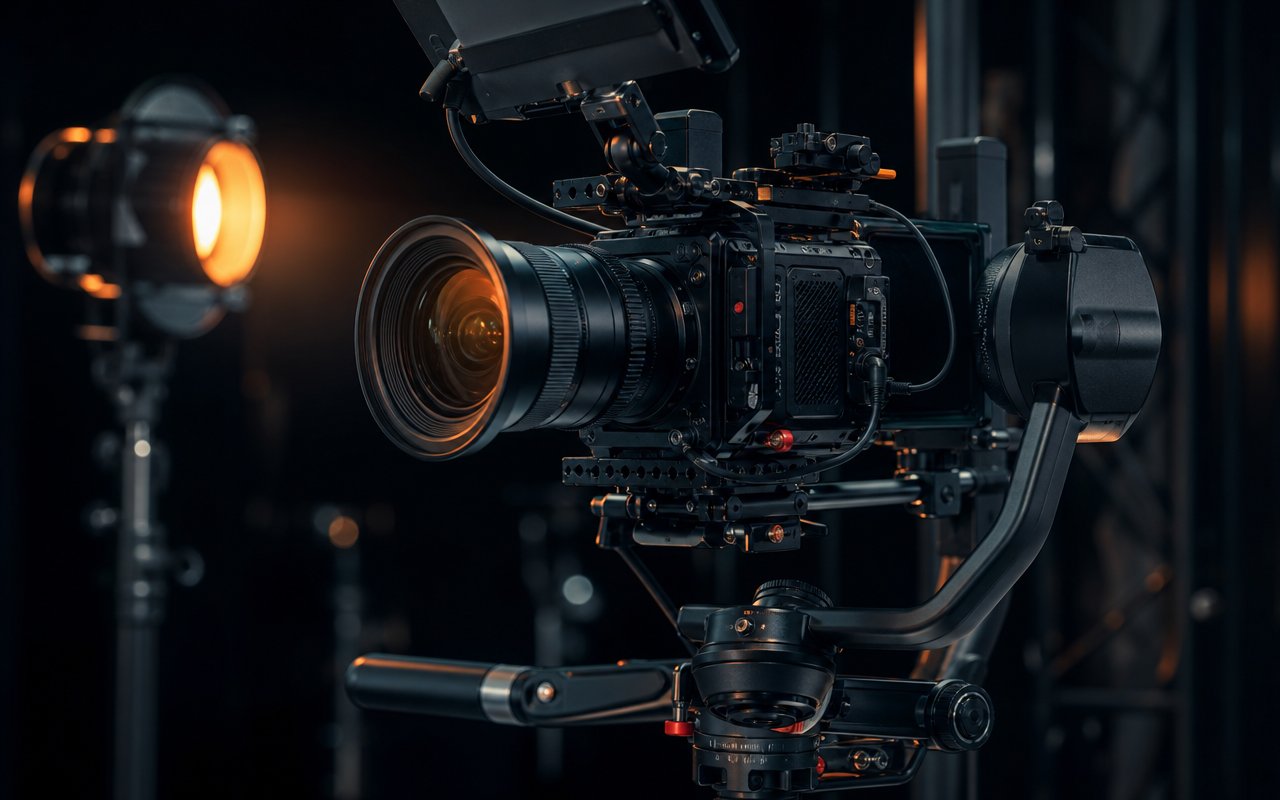
Pre-Production: Where Projects Succeed or Fail
The majority of a video's eventual quality is decided before a single frame is shot. Pre-production is the planning phase, and skimping on it is the most common reason projects run over budget or miss the mark.
Concept and Scripting
Every project starts with a clear objective. What should the viewer understand, feel, or do after watching? From that objective comes a script or outline. Even unscripted formats benefit from a written structure — a shot list, an interview question set, or a beat sheet — so the team knows what footage must exist before they leave the location.
Storyboarding and Shot Lists
A storyboard translates the script into visual planning. It does not need to be polished artwork; rough frames are enough to communicate camera angles, framing, and sequence. A shot list, derived from the storyboard, becomes the production team's checklist on the day.
Scheduling, Budgeting, and Logistics
This is where locations get scouted, talent is booked, permits are secured, and equipment is reserved. A realistic schedule accounts for setup and teardown time, not just the moments the camera is rolling. Budgeting at this stage prevents unpleasant surprises later.
Production: Capturing the Material
Production is the shoot itself. With strong pre-production behind it, this phase becomes execution rather than improvisation.
Camera, Lighting, and Composition
Good footage starts with deliberate framing and controlled lighting. Even a modest three-point lighting setup dramatically improves perceived quality. Consistency matters — maintaining matching white balance, exposure, and framing conventions across a shoot makes the editor's job far easier later.
Audio Capture
Audiences forgive imperfect visuals long before they forgive bad audio. Capturing clean sound on set — with appropriate microphones, monitored levels, and attention to room acoustics — is one of the highest-return investments in any shoot. Fixing audio in post is always harder than capturing it correctly the first time.
Coverage and Backups
Experienced crews capture more than the bare minimum: alternate angles, cutaways, and B-roll that give the editor options. Backing up media before leaving the location protects the entire project from a single card failure.
Post-Production: Assembling the Story
Post-production is where raw material becomes a finished piece. It typically follows a logical order.
Editing
The editor assembles the footage into a coherent narrative, refining pacing, trimming dead time, and shaping the rhythm of the piece. This is the phase where the story established in pre-production finally takes its watchable form.
Color, Sound, and Graphics
Color correction ensures consistency across shots; color grading sets the mood. Sound design — mixing dialogue, music, and effects — gives the piece polish. Motion graphics, titles, and lower-thirds add information and brand identity.
Review and Delivery
Structured review rounds keep feedback focused and prevent endless revisions. Final delivery means exporting to the correct specifications for each target platform, which often differ in resolution, aspect ratio, and codec.
Where Stock Video Fits
Original footage is ideal, but stock video and audio are legitimate, widely used production tools. They cover establishing shots, abstract concepts, historical context, or scenarios that would be impractical or unsafe to film. Reputable stock libraries offer clips under clear licensing terms; the key is choosing material that matches the project's look and integrating it so it feels intentional rather than borrowed.
For teams that produce regularly, building a small internal library of reusable B-roll and audio beds pays off quickly, reducing reliance on external sources for routine projects.
For the software side of editing, see the media tools guide. If a project requires outside talent, the find a pro section covers how to evaluate and hire specialists.